
Preparing AI-Ready Data in Dynamics 365
AI and Copilot can only be as accurate as the records they draw on. Duplicates, incomplete fields and invalid contact details lead to wrong summaries, poor recommendations and lost trust. Data8 gives you the tools to measure, clean and protect your CRM data.
Why CRM data quality decides AI accuracy
Copilot and other AI features read the same contacts, accounts and activity records your teams use every day. If those records are duplicated, out of date or badly formatted, AI repeats and amplifies the errors. Preparing AI-ready data comes down to four things: knowing where you stand, removing duplicates, fixing invalid data, and keeping new data clean.
One record per customer
Duplicate contacts and accounts split history across records, so AI sees a partial picture.
Contact details that work
Invalid emails, phone numbers and addresses cause failed outreach and skew AI-driven insight.
Standardised, complete fields
Consistent formats and filled-in fields give AI reliable inputs to work with.
What Happens When Copilot Reads Bad Data?
When asking Copilot the same thing twice. The only difference is the quality of the records underneath.
Before · duplicated, unvalidated data
Summarise where we are with Northgate Logistics and who I should contact.
Copilot
Northgate Logistics looks like a cold account.
- No open opportunities
- Last activity: 14 months ago
- Suggested contact: Sam Patel, sam.patel@northgate-log.co.uk
Confident. Fluent. Wrong.
What Copilot actually read
- Northgate Logistics0 opportunities · last activity 14 months agoDuplicate
- Northgate Logistics Ltd1 open opportunity · meeting 6 days agoDuplicate
- Sam PatelEmail bounced · phone has 9 digitsInvalid
After · validated, de-duplicated, scored
Summarise where we are with Northgate Logistics and who I should contact.
Copilot
Northgate Logistics is an active account.
- 1 open opportunity at proposal stage
- Last meeting: 6 days ago
- Best contact: Priya Shah, Head of Operations, verified email and mobile
Right account. Right person. Right next step.
What Copilot actually read
- Northgate Logistics LtdTwo records merged · full activity history1 record
- Priya ShahEmail and phone validated at captureValid
- Readiness scoreBanded and visible on the recordReady
How to Prepare Your Dynamics 365 Data for Copilot
Data8 provides an entire suite of data quality solutions so your AI can rely on accurate and correct data
- MEASURE
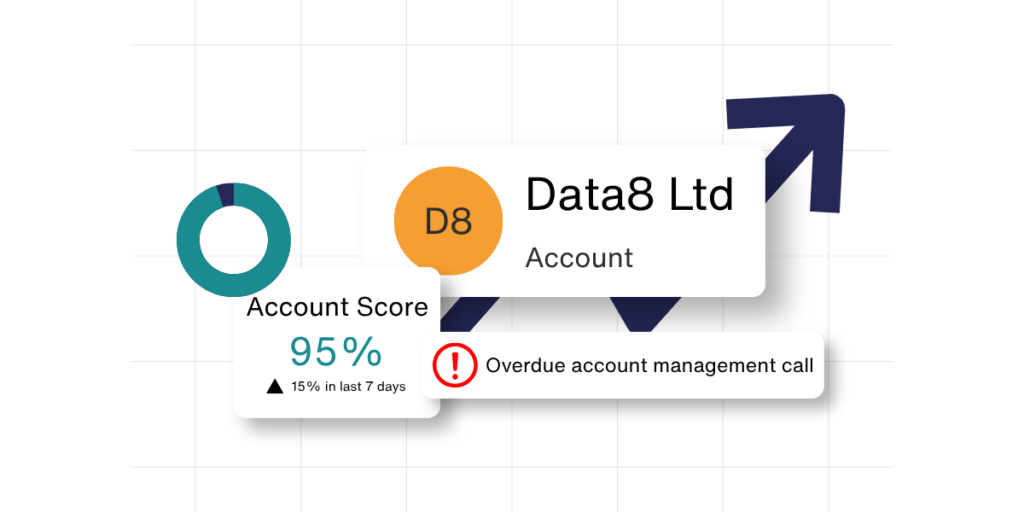
Score Your CRM with Data8, Data Integrity
Measure, monitor and score every contact, account and opportunity in Dynamics 365 against customisable rules you define.
AI reflects the data it is given. Integrity shows where your data is weak and tracks whether it is improving- before it reaches Copilot, a report or a customer.
Every data quality programme needs an owner, a metric and a feedback loop.
- DEDUPLICATE
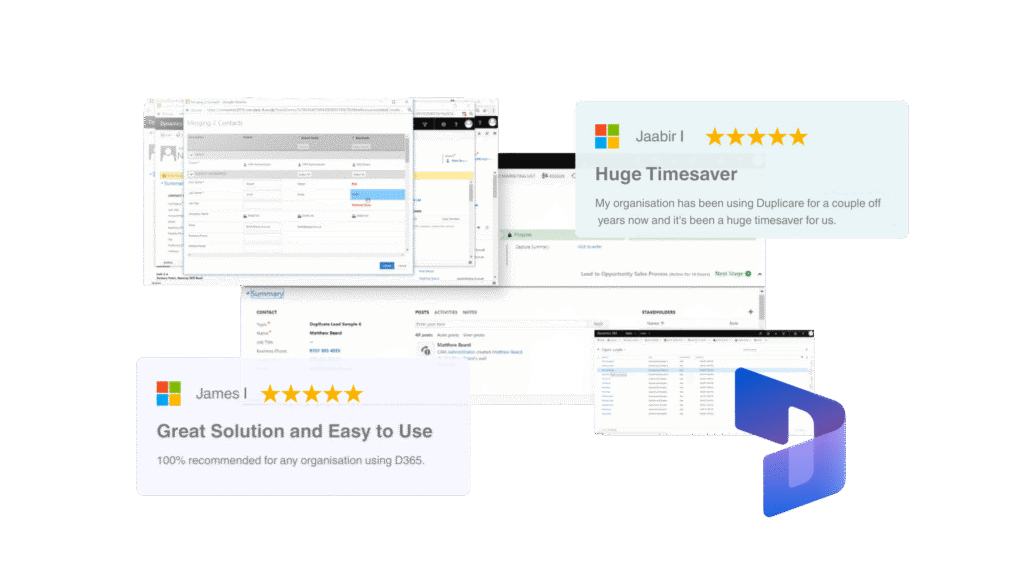
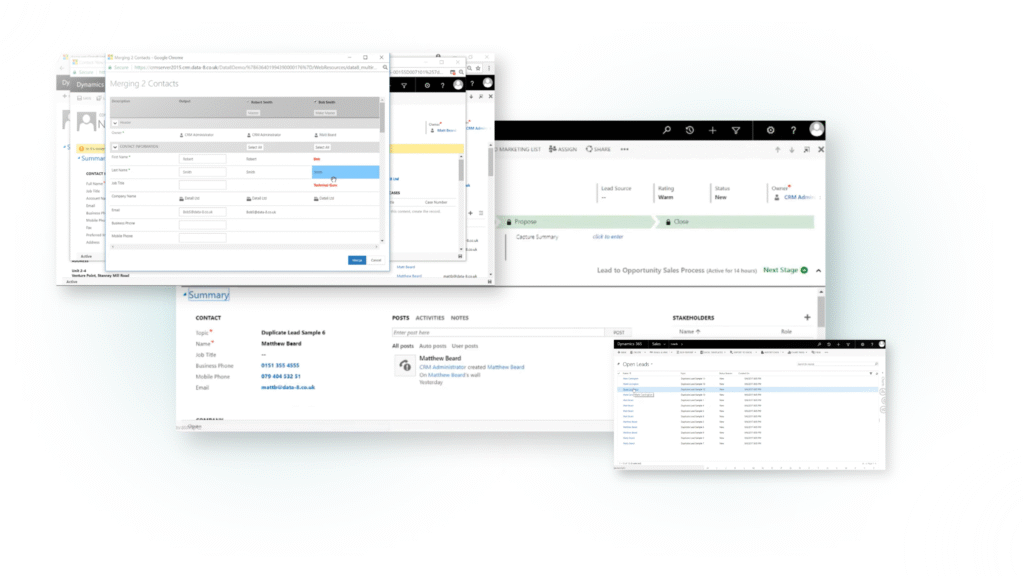
Eliminate & Prevent Duplicates with Duplicare
Data8 Duplicare surfaces potential duplicates in CRM, lets your team review them, and resolves them in a controlled way, so AI reads one customer, not three.
- Rule-based matching across contacts, accounts and leads.
- Real-time checks catch duplicates as records are created.
- Merge rules keep the right data and lose nothing by accident.
- CLEANSE
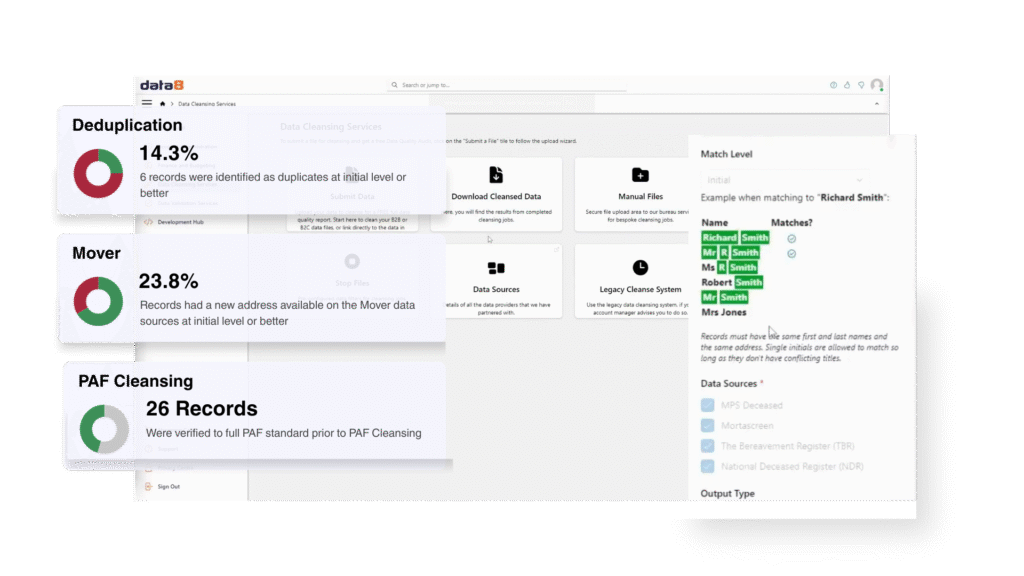
Validate and Correct Already in CRM with Data Cleansing
Batch validation checks email structure and whether addresses are live, verifies whether phone numbers are callable and identifies their type, and cleanses addresses against industry-leading data sources for the best accuracy.
- PROTECT
Validate Your Data at Point of Capture
Stop bad data before it enters your Dynamics 365 CRM. Cover all input fields with point-of-capture validation for address, email, phone, bank details and more, so only valid, standardised data enters your CRM.
Get Your Dynamics 365 Data Ready for Copilot
Try Data Integrity free for 14 days from Microsoft AppSource, or book a 30 minute demo with a Data8 data quality expert.
Frequently asked questions
What does AI-ready data mean in Dynamics 365?
It means CRM records that are unique, complete, valid and consistent, so AI and Copilot are working from a single reliable version of each customer rather than conflicting or outdated entries.
Where should I start with getting my CRM AI-ready?
Start with a baseline. Data Integrity scores your data against the dimensions that matter, which shows whether duplicates, invalid contact details or missing fields are the biggest issue.