
Creating Field Mappings
Supported tables: Validation can currently be performed on Customer, Contact, Vendor, Employee, Ship-To Address, and Order Address tables.
After configuring the global settings for Email and/or Phone Validation. The next step is to configure which fields to preform validation on.
- Select Field Mappings from the Data8 Validation Configuration to navigate to the field mappings card.
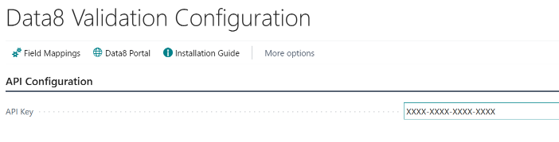
- Select New to create a field mapping.
- Choose the validation type. This will be either email or phone
 .
. - Select the table that you want to perform the validation on by clicking on the ellipsis which will show a list of available tables.
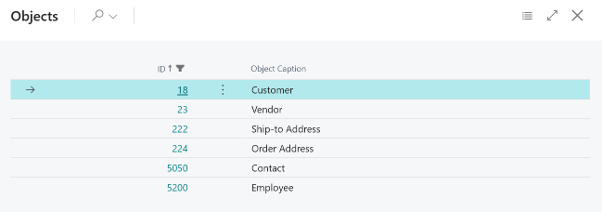
- Select the ellipsis on Source Field to open the dialog box and view all available fields for the selected table. For example, select the Email field in the Customer table to validate customer email addresses.
- Select the field to store the validation result. Data8 provide some fields to store the validation result.
- Repeat for the last validated field.
- For email validation, there is an optional mapping to store the type of the validated email address.
- After setting up the desired field mapping close the Field Mappings card and Data8 Validation Configuration