Using Postcode Lookup
There are 2 main ways to use Postcode Lookup.
Method 1
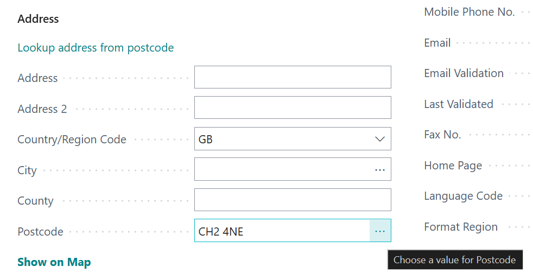
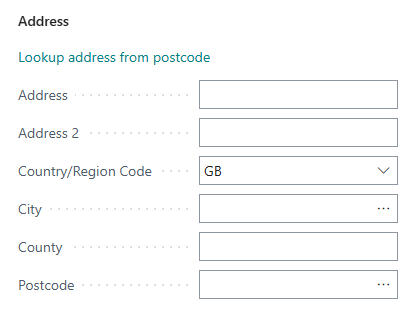
- Enter the postcode into the postcode field on the form and click the ellipsis.
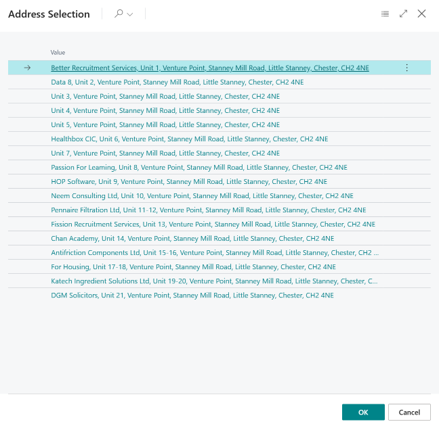
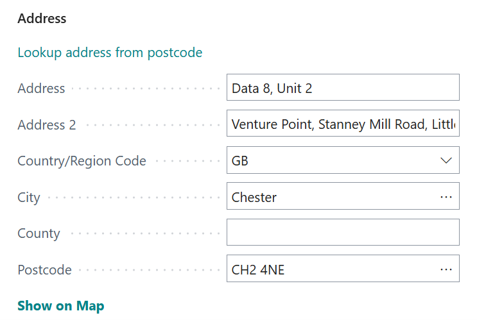
- This will get a list of addresses. Select the correct address and this will fill out the form fields with the appropriate data.
Method 2
- Choose Lookup address from postcode.
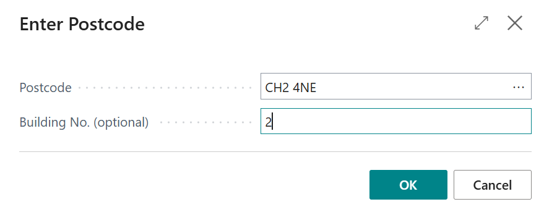
- Enter the postcode and optionally a building number. If building number is left blank and OK is clicked, the address list shown previously will be displayed and an address can be selected from here. If the building number is specified and OK is selected and an address has been found, this will automatically fill out the form with this address without the need for selecting the address from the list.
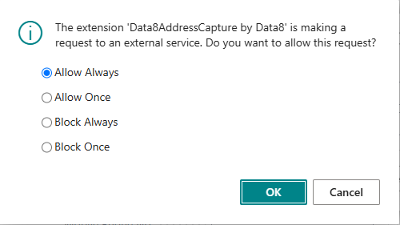
Note: When preforming the first validation, you may be shown the following warning. This is because when a validation is preformed, we need to call the Data8 web service which is outside of Business Central. Selecting Allow Always will allow these requests to be made in the future without this warning.